
Introduction
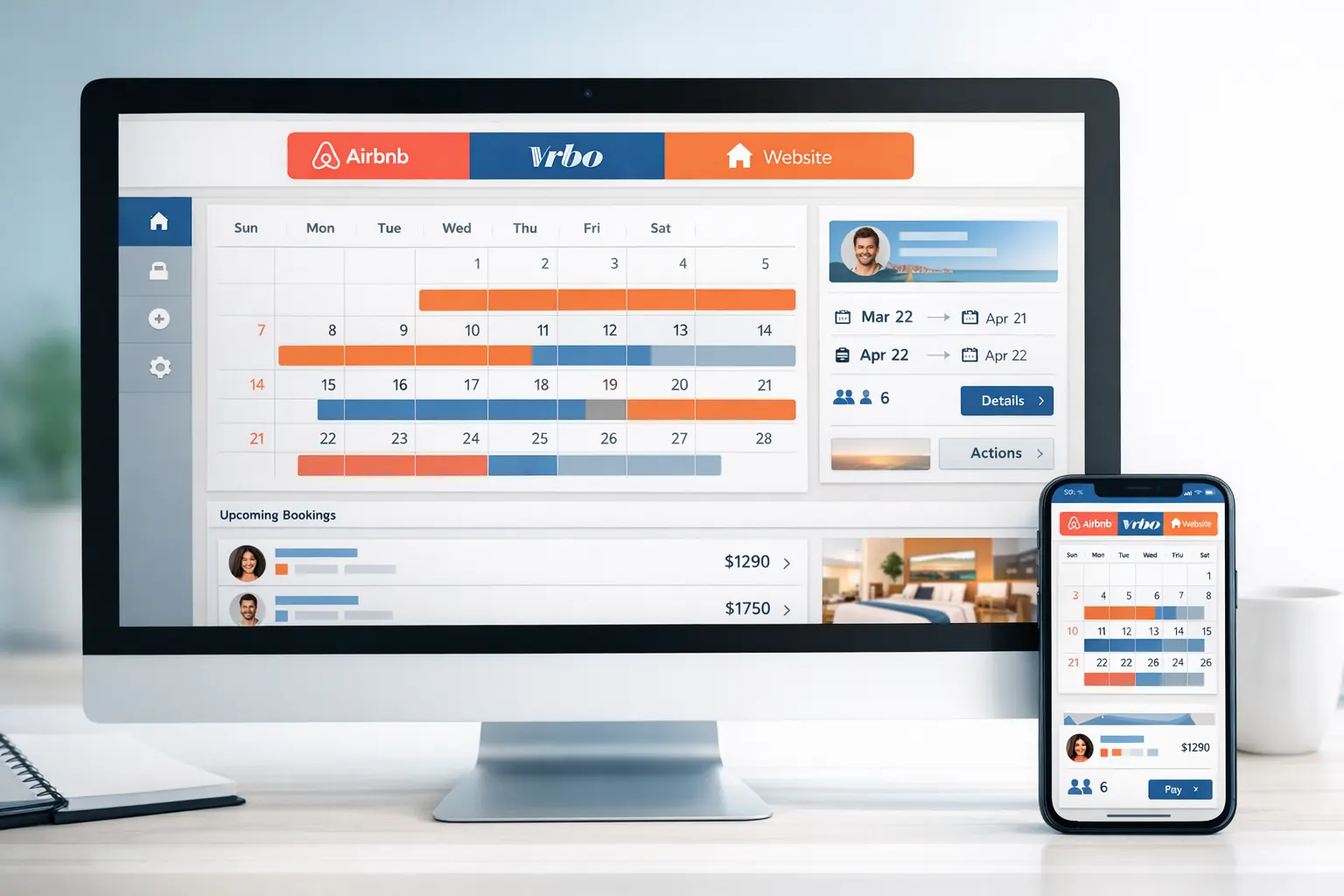
Managing a successful vacation rental business involves juggling multiple booking platforms, and ensuring that your availability is accurately reflected across all of them is vital. Syncing your Airbnb and VRBO calendars with your website can save you time, prevent double bookings, and make your management process smoother.
Importance of Calendar Sync
Having a synchronized calendar means that when a guest books through one platform, all linked calendars automatically update to reflect that booking. This prevents scheduling conflicts and reduces the risk of double bookings, enhancing your guests' trust in your professionalism.
Steps to Sync Airbnb and VRBO Calendars
Exporting Calendar Links
1. Export from Airbnb:
-
Go to the Listings section on Airbnb.
-
Navigate to Pricing and Availability, then Calendar Sync.
-
Select Export Calendar and copy the generated iCal link.
2. Export from VRBO:
-
Log into your VRBO account.
-
Navigate to the Calendars section, and select Reservation.
-
Choose Export Calendar and copy the link.
Importing Calendar Links
1. Import into VRBO:
-
Go to the VRBO dashboard and find the Calendars section.
-
Select Import Calendar and paste the Airbnb iCal link.
-
Ensure the settings are configured to block dates according to the imported calendar.
2. Import into Airbnb:
-
Go to Pricing and Availability in Airbnb and select Calendar Sync.
-
Choose Import Calendar and paste the VRBO link.
-
Name the calendar and finish the import process.
Using a Channel Manager
To streamline this process further, consider using a channel manager. These services offer a real-time two-way API connection that updates your calendar across multiple platforms instantly. Examples include Hostaway and other similar platforms that can integrate with your direct booking website, keeping it effortlessly in sync with Airbnb and VRBO.
Conclusion
Effectively syncing your Airbnb and VRBO calendars with your website transforms the way you handle reservations, leading to enhanced guest satisfaction and heightened efficiency. Consider leveraging a channel manager for a seamless experience.
A well-designed website is key in supporting these integrations. Reach out to SmartLance Designs to build a website that not only looks great but also maximizes your booking efficiency.
Need help with your website?
If you want a clearer website, stronger booking journey or better search foundations, explore our website development services or request a free website review.